Linuxlab teaches Linux and Git the way a good technical book does: short chapters, real commands, and the reason behind each one. The terminal sits next to the text, so you run an example right where you read about it.
It is written for people learning or leveling up for sysadmin, DevOps, SRE or backend work. You can start from an empty terminal. Every chapter reads on its own and ends with a short step to the next, and there are no progress bars, streaks or certificates to chase.
This page is laid out the same way. The terminal on the right runs the examples as you read.The terminal below runs the examples as you read. You can also type in it, and help lists what it knows. It is a small simulation living in this page. The one on Linuxlab is a real machine.
Why it exists
Just to try Linux, I had to set up a virtual machine, download an image, and configure networking and disks. Only then did I get to the command I came for.
Serge Kulnev built Linuxlab after more than ten years in IT, to remove exactly that. A terminal opens in the browser and an example runs in one click, with no image to build. Serge writes the books, with input from more than ten working DevOps and SRE engineers.
Point at a command and see why it is there
Commands in Linuxlab come apart. Each option and argument carries its own note: what it does, and what it is for. Point at a part of this one, tap it, or reach it with the Tab key.
$
Report depth: show totals only for the directory itself and its immediate subdirectories, without descending deeper. This reveals which entry inside /var/log eats the space.
From an empty terminal to senior administration. You learn to manage users and processes, run and fix services, set up networking and SSH, handle disks and backups, and read the kernel through /proc.
Version control from scratch, from your first commit to working with a team on GitHub. It closes with a final project and shows how to repair a repository when something goes wrong. No programming experience needed.
Chapters
8
Sandbox lessons
9
Reference articles
62
These tools are older than you think
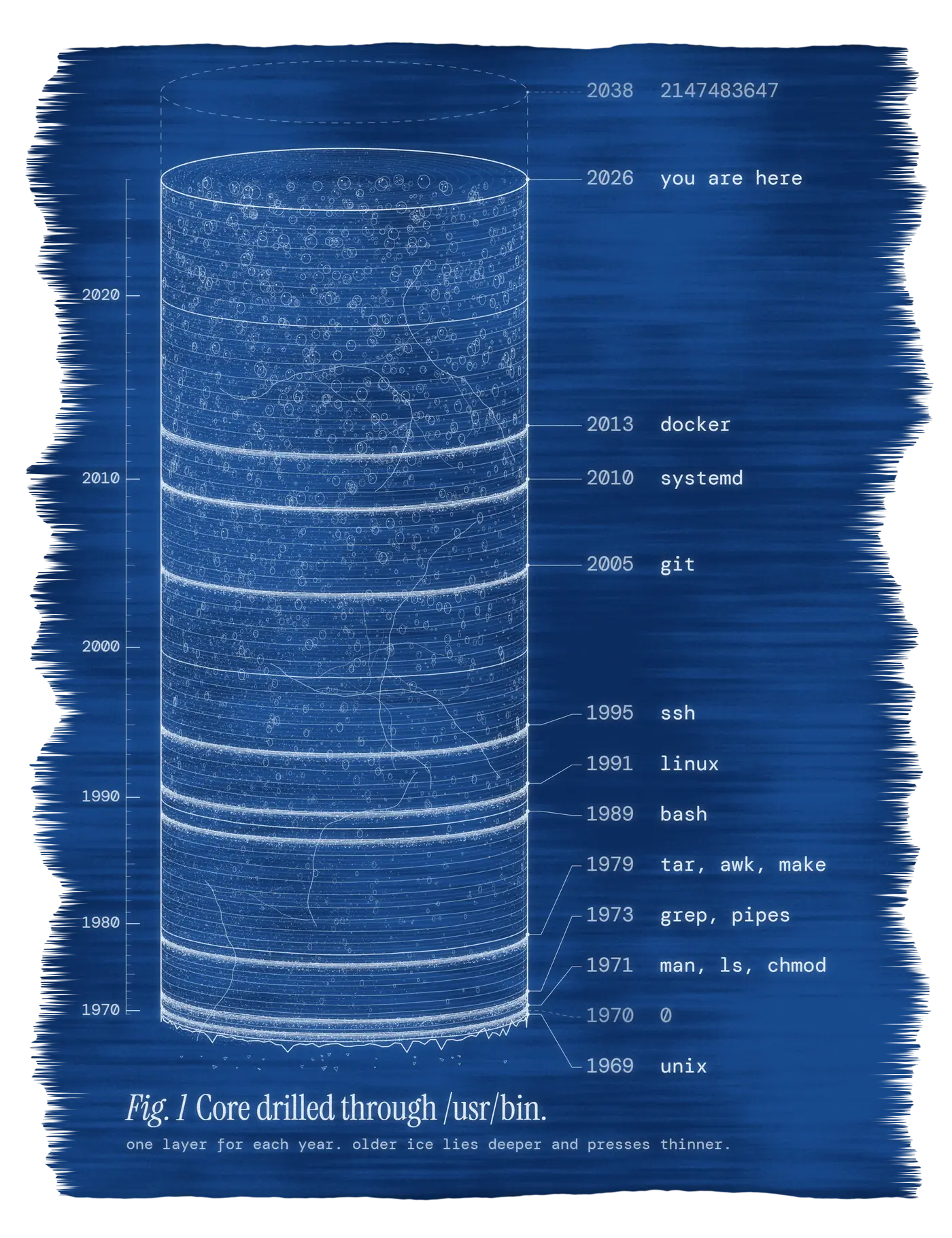
Most of what you type in a terminal is decades old. grep shipped in 1973, tar in 1979, ssh in 1995, and all three still run on production servers today. Time spent learning them keeps paying back, which is why a Linux textbook is worth reading slowly.
A reference for the next tab
The knowledge base explains one thing per article and shows an example. Lessons open these articles as hints, and each article links back to the lessons where the command is used. It is open to everyone, with no account.
$ man find
-mtime n: the file's data was changed n×24 hours ago.
With a sign: +7 older than a week, -7 newer.
Start a sandbox and you get a fresh Linux container with a shell, right in the tab. Nothing you do touches your computer. It has no internet access, and it is deleted when you leave the page or after 30 minutes.
The sandbox lessons give you a task and the commands for it, then check every step, so what you read turns into something your hands have done.
An application stopped taking orders. It writes them into a temporary directory, and large writes fail with "No space left on device". The on-call engineer checked how much was used, then checked what was using it, and the numbers did not agree. Both commands are telling the truth.
The terminal on the rightThe terminal below is connected to the machine. Start with df -h /tmp.
df -h /tmp
61M
used, says the filesystem
sudo du -sh /tmp
4.0K
found, walking the directory
What you have to end up with
/tmp has at least 40 MB free
The orders service is running
No deleted file is holding space
Repaired.
A deleted file keeps its space until the last process holding it lets go. That is why df and du disagreed.
Hints
They open one at a time, from where to start to the plain answer. Nothing counts them.
This one runs in your browser as a simulation. On Linuxlab the machine is a real container with the fault planted before you attach, and the check runs inside it. There are 13 scenarios, among them nginx answering 502, a 403 from a config that passes its check, and a scheduled job that says nothing. Booting a machine takes a free account.
For a commute or a walk, Linuxlab has audiobooks on IT topics, each narrated end to end, chapter by chapter, with separate English and Russian editions. A free account opens the first chapters.
 Linuxlab